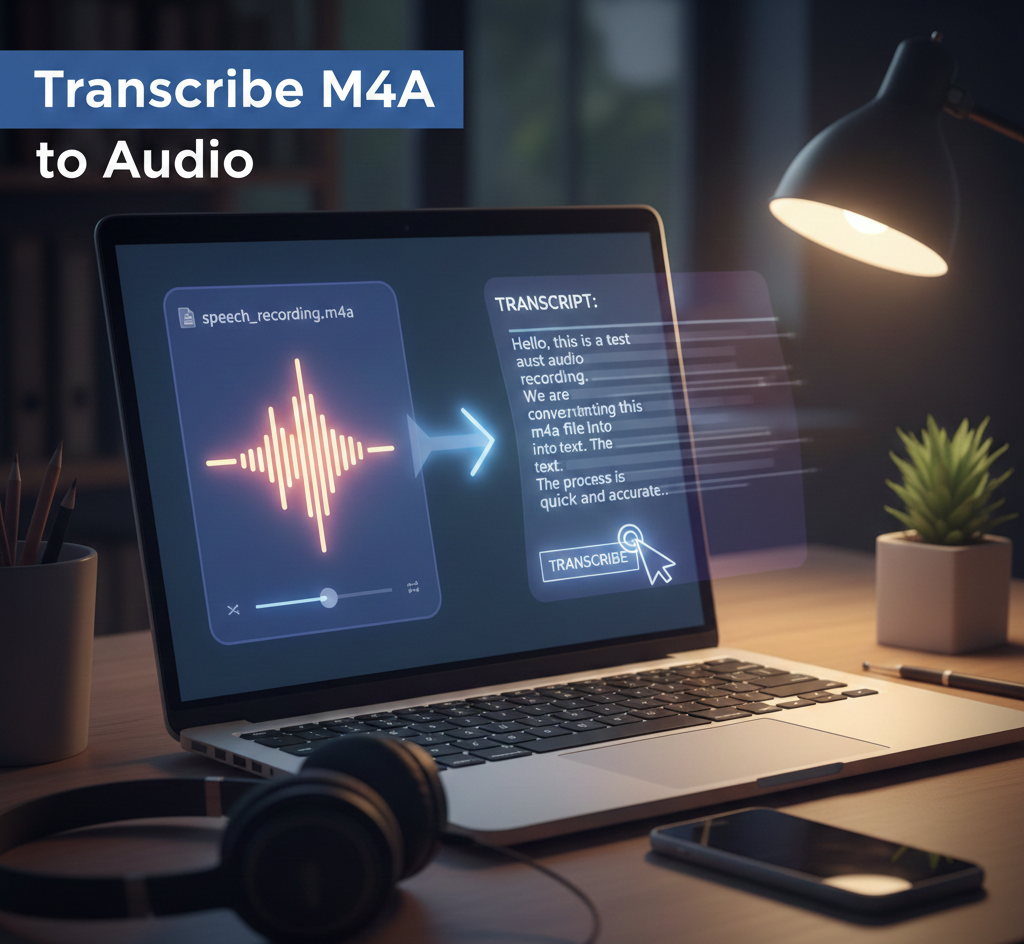
M4A to Text: How to Transcribe an M4A File Online
M4A is the standard audio format for iPhones. If you have a voice memo, interview, or lecture in M4A, converting it to text makes your content searchable, editable, and ready to share.
Quick Summary: M4A to Text in 3 Steps
- Visit Transcribe.Audio.
- Upload your M4A file (iPhone Voice Memos supported).
- Select the language and download your transcript or captions.
Get started: https://transcribe.audio/
What is an M4A file?
M4A is an audio-only file extension for MPEG-4 files. It typically uses AAC (Advanced Audio Coding) compression, which offers higher audio quality and smaller file sizes compared to the older MP3 format.
Because M4A is the default recording format for Apple devices (iPhone, iPad, Mac), it has become the standard for mobile journalism, voice notes, and on-the-go interviews.
Common uses for M4A
- iPhone Voice Memos: High-quality mobile recordings.
- Podcasting: Efficient distribution for spoken word.
- Corporate Meetings: Recorded via laptop or mobile apps.
- Journalism: Portable field recordings and interviews.
How to transcribe M4A audio
1. Upload your file
Drag and drop your M4A file into the uploader at Transcribe.Audio. We support large files and high-bitrate AAC audio.
2. Configure settings
- Language: Specify the language to increase accuracy.
- Speaker Diarization: Enabling this will label “Speaker A” and “Speaker B” automatically.
- Timestamps: Essential for legal or academic reference.
3. Export your transcript
Once the AI finishes processing, review the text in the editor. You can then export your work as a document (TXT/PDF) or subtitle file (SRT).
Supported Export Formats
Choose the format that best fits your project requirements:
Frequently Asked Questions
Can I transcribe M4A files for free?
Yes. You can start for free to test the accuracy and speed of the transcription engine with your specific M4A recordings. No credit card is required to begin.
Do I need to convert M4A to MP3?
No. Transcribe.Audio handles M4A files natively. There is no need to use a converter, which can often degrade the audio quality and reduce transcription accuracy.
Is my data secure?
Yes. Files are processed securely using industry-standard encryption, and you maintain full ownership of your data. We do not use your private recordings to train public AI models.
What is the best format for video subtitles?
SRT is the most widely supported format for social media platforms and video players. If you are building a custom web video player, VTT is often the preferred choice due to its better styling support.
Transcribe your M4A file today
Turn your voice memos and recordings into accurate text in minutes. Join thousands of users transcribing audio effortlessly.
Get Started for FreeSecure processing · Multi-language support · High accuracy