YouTube Transcript Generator: Convert Video to Text, SRT & VTT
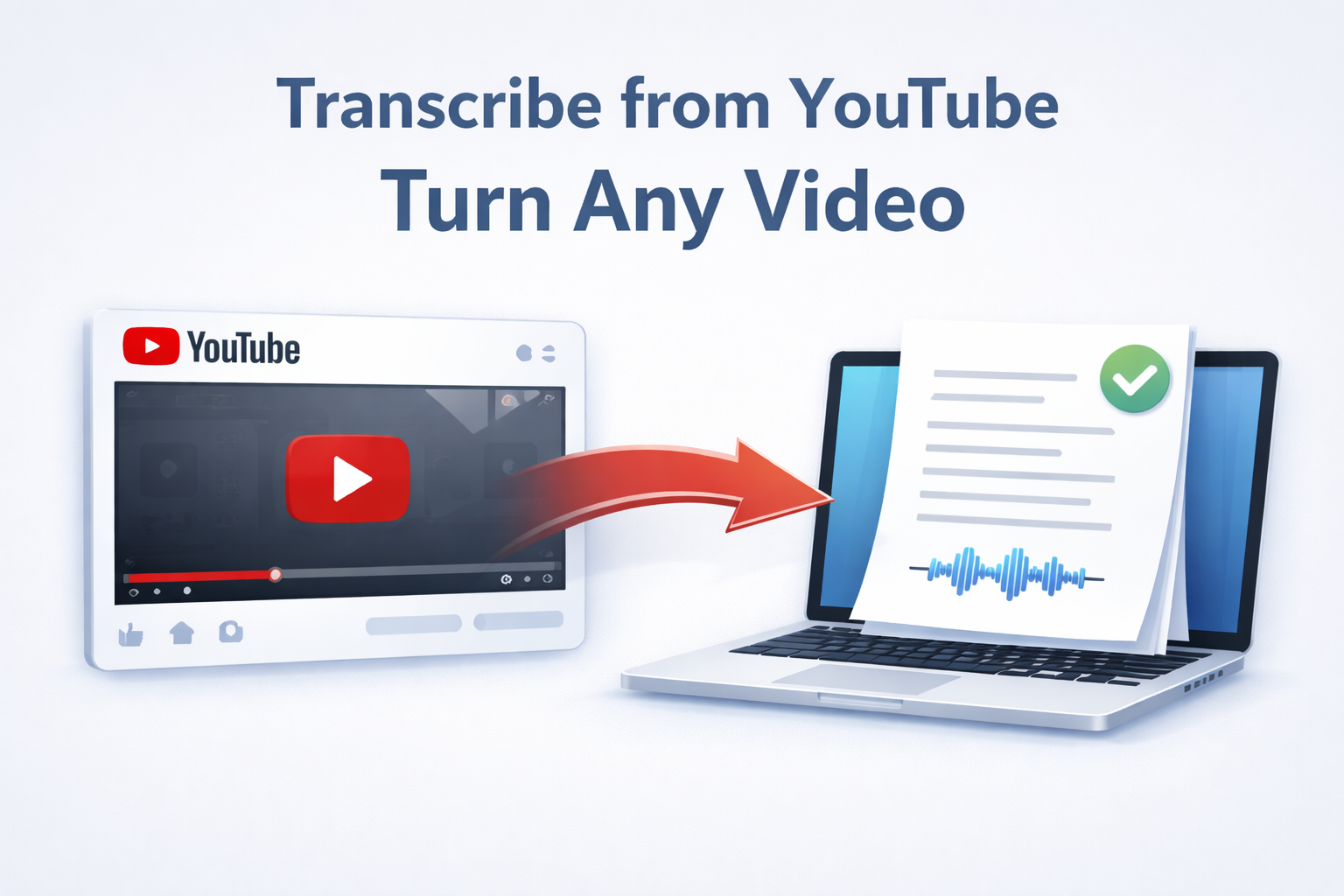
Need a fast YouTube transcript generator? Paste any YouTube link (or supported video URL) to instantly generate a transcript. Export as text, PDF, or subtitles—no downloads required.
Quick answer: How to generate a YouTube transcript
- Paste the YouTube link into the input field at Transcribe.Audio.
- Click Transcribe to automatically generate the text.
- Export your file as SRT, VTT, PDF, DOCX, or TXT.
- (Optional) Click Translate to convert the transcript into another language before exporting.
Why use a YouTube transcript generator?
Video content is great, but sometimes you need the text. A YouTube transcript generator allows you to convert YouTube to text without manually typing a single word.
Whether you need to repurpose video content for a blog, create accurate YouTube subtitles (SRT) for SEO, or just read through a lecture quickly, our “Transcribe from Link” feature handles the heavy lifting.
Export formats: Text, Subtitles, and Docs
Once your transcript is ready, you can download it in the format that matches your project needs.
Which format should I choose?
- SRT & VTT: These are time-stamped formats used for YouTube subtitles and video players. Use these if you are uploading captions back to YouTube.
- PDF & DOCX: Best for reading, study notes, or turning a video into a blog post.
- JSON & TXT: Ideal for developers or feeding content into other AI tools.
SRT vs. VTT: What’s the difference?
If you are looking to generate YouTube VTT or SRT files, you might wonder which one to pick. Both are supported by YouTube, but they have slight differences.
- SRT (SubRip Subtitle): The most common format. It is simple, widely supported by almost every video player and editing software (Premiere, Final Cut), and easy to edit manually if needed.
- VTT (WebVTT): Designed specifically for the web (HTML5). It handles styling and positioning better than SRT. If you are embedding a video on a custom website, VTT is often the modern standard.
Transcribe + Translate Workflow
Need to reach a global audience? Our tool includes an optional translation step powered by DeepL, known for its high accuracy.
How to translate a YouTube video
- Generate the transcript from your YouTube link.
- Click the Translate button.
- Select your target language.
- Export the translated SRT or document.
Best practices for accuracy
Automated transcription is powerful, but the quality of the source video matters. To get the best results when you transcribe YouTube link sources:
- Clear Audio: Videos with professional microphones yield significantly better text than phone recordings in windy environments.
- Minimal Background Noise: Heavy background music or loud sound effects can confuse the AI.
- One Speaker at a Time: Videos where people talk over each other are harder to transcribe accurately.
FAQ
Can I export SRT files for YouTube?
Yes. After generating the transcript, select SRT from the export menu. You can then upload this file directly to YouTube Studio as closed captions.
Can I translate the transcript?
Yes. We use DeepL for high-quality translations. Simply click Translate after the transcription is complete, then export the translated file.
Is this tool free to try?
Yes. You can Start free to test the YouTube transcript generator and see the quality for yourself.
Does it work for long videos?
Yes, we support long-form content like podcasts, webinars, and lectures.
What is the difference between YouTube to text and a transcript generator?
They are the same thing. “YouTube to text” usually refers to the goal (getting the text), while “transcript generator” refers to the tool that does it.
Is this for videos I own or have permission to use?
Yes. You should only transcribe content that you own, have created, or have explicit permission to use. Please respect copyright laws.
Can I get a JSON output?
Yes, developers can export the transcript data as a structured JSON file.
Ready to generate your YouTube transcript?
Paste a link, get the text, and export as SRT, PDF, or DOCX in minutes.
Start freeCompliance reminder: only transcribe content you own or have permission to use.